
POS & Inventory
Ring up sales in seconds, keep an exact count of what is on your shelves, and see what you earned at the end of the day. One system for the counter, the stockroom and the back office.
Works with the equipment you already have
- Barcode scanners
- Receipt printers
- Label printers
- Windows and Mac
- Tablets
- Any modern browser
Take the tour
Real screens from POS & Inventory.
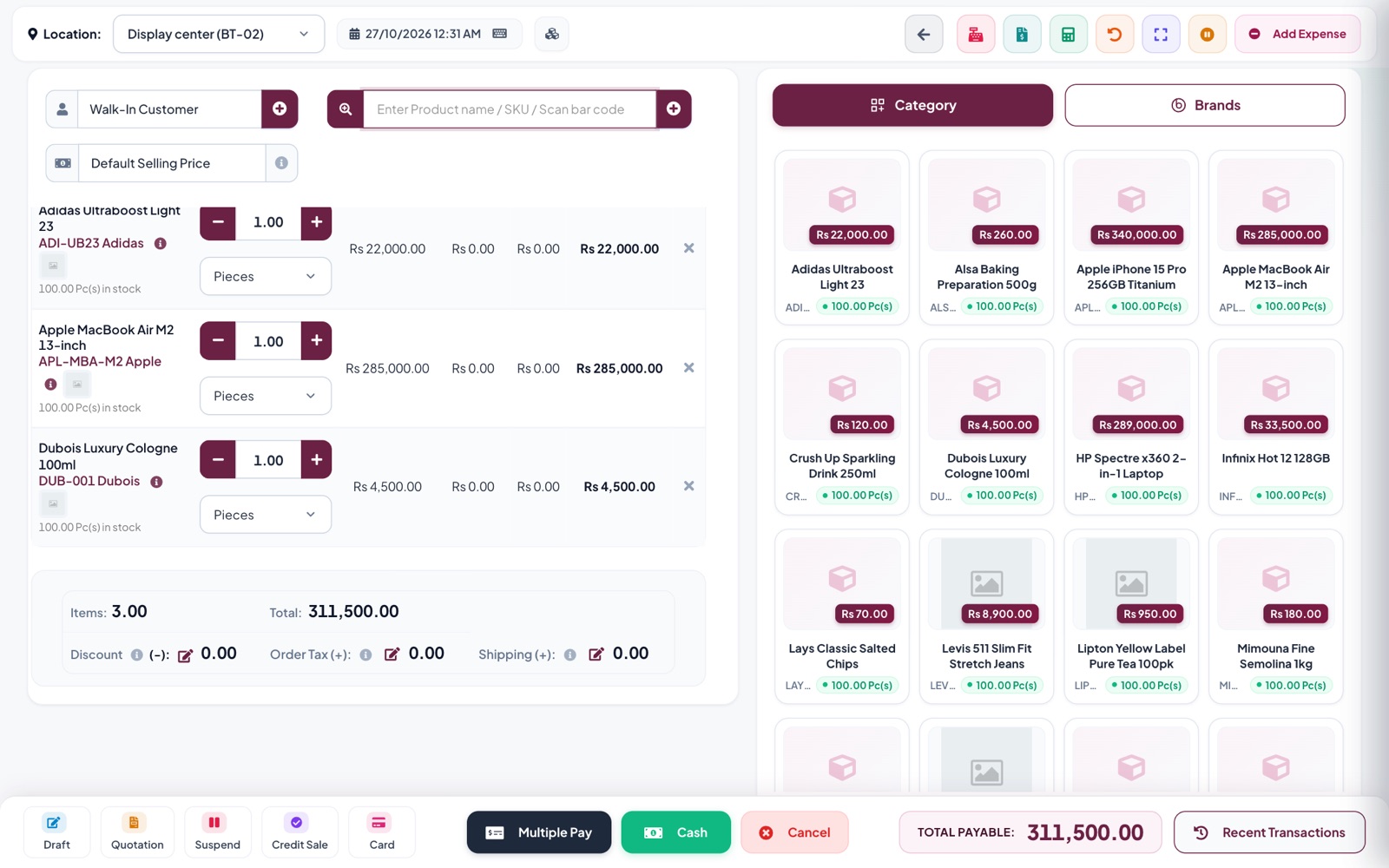
Checkout that keeps the line moving
- Scan a barcode or search by name and SKU
- Cash, card or several payments on one bill
- Suspend a bill and pick it up later
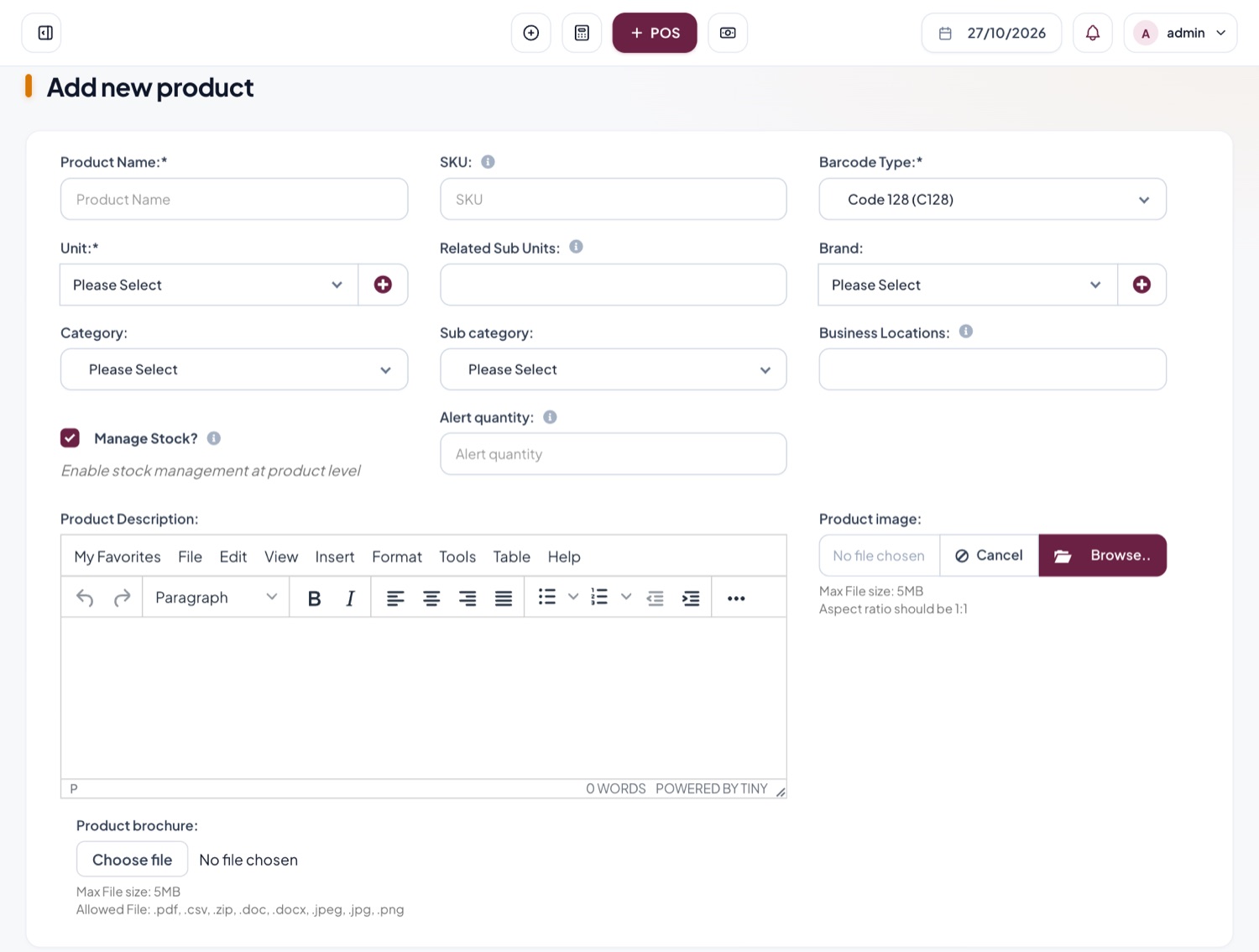
Your whole catalogue in one place
- Units, brands, categories and variations
- Print barcode labels for any product
- Import hundreds of items from a spreadsheet
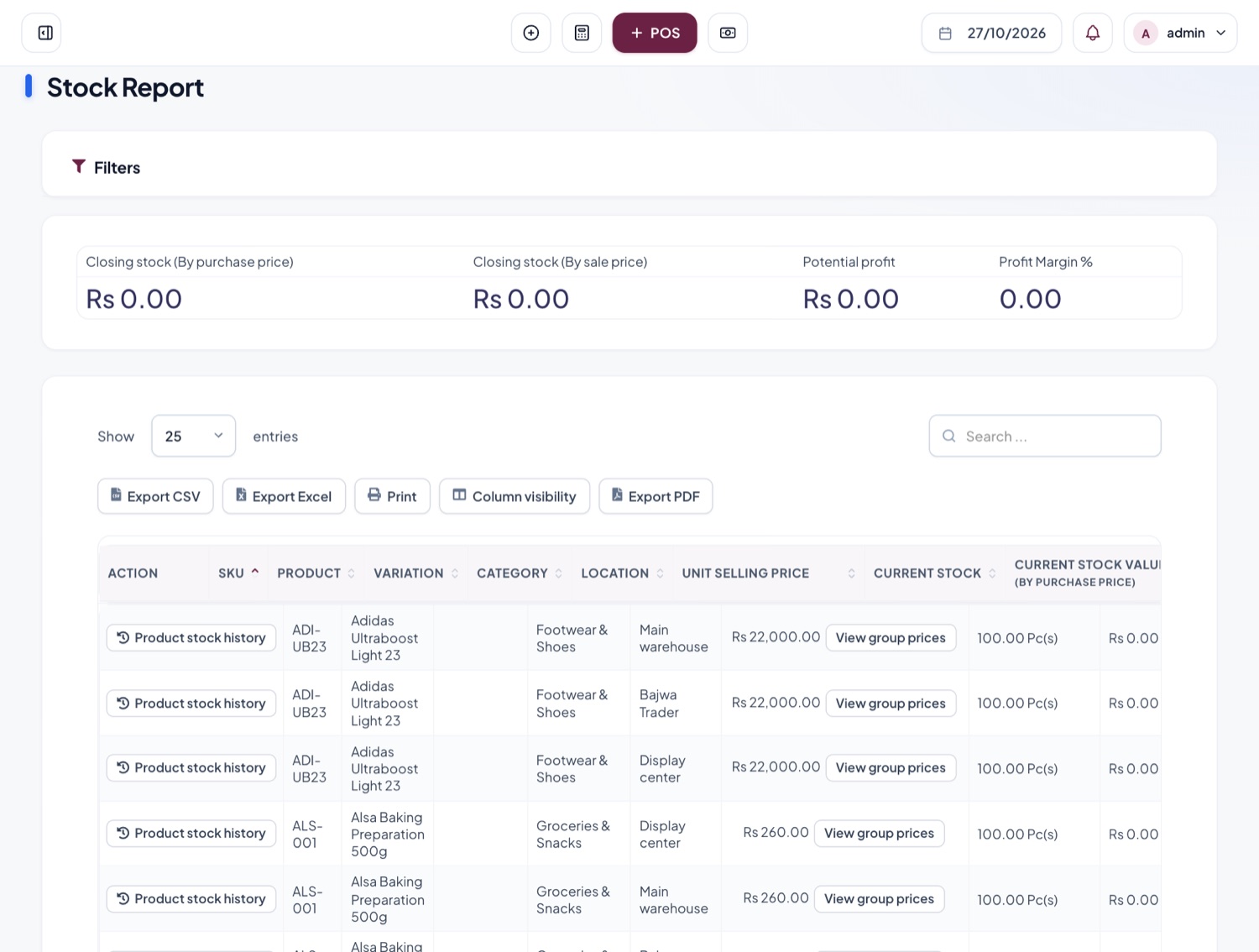
Know what is on every shelf
- Stock and value for each location
- Alerts when an item falls below its level
- Full history of every product movement
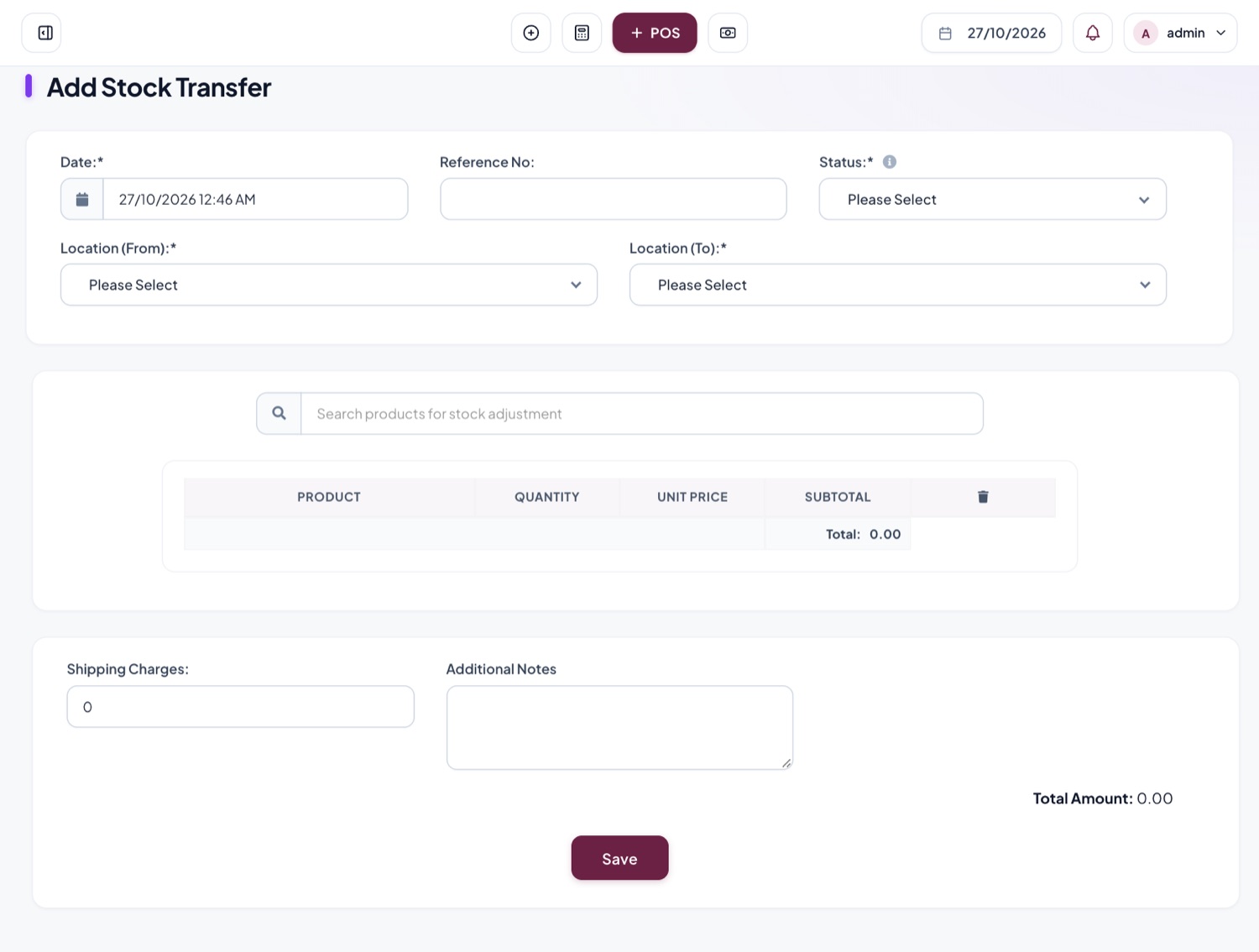
Move goods between stores and warehouses
- Send stock from one location to another
- Record shipping charges and notes
- Counts update at both ends
See what you actually earned
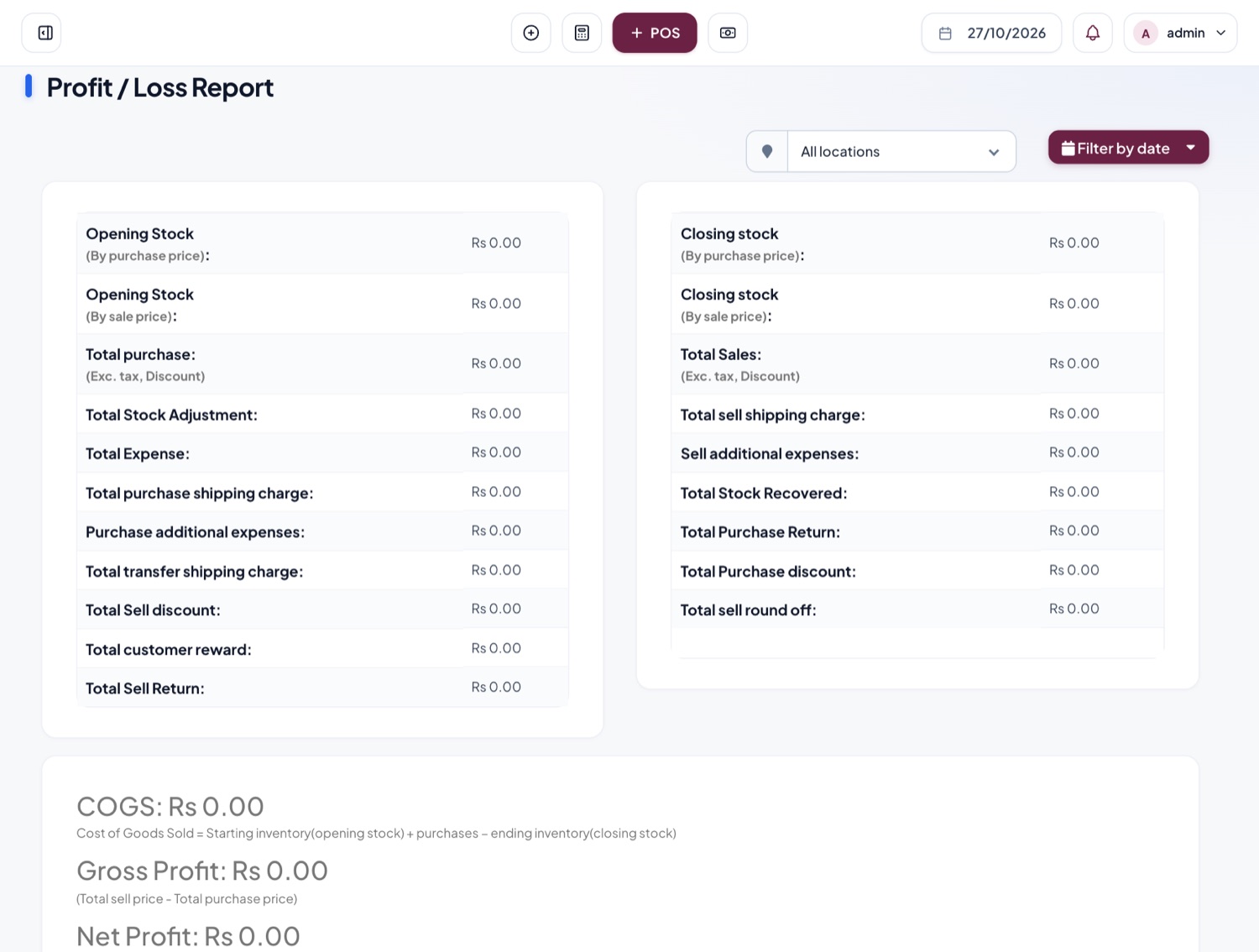
- Profit and loss for any date range
- Stock, tax, expense and register reports
- Export to Excel, CSV or PDF
Give everyone the right access
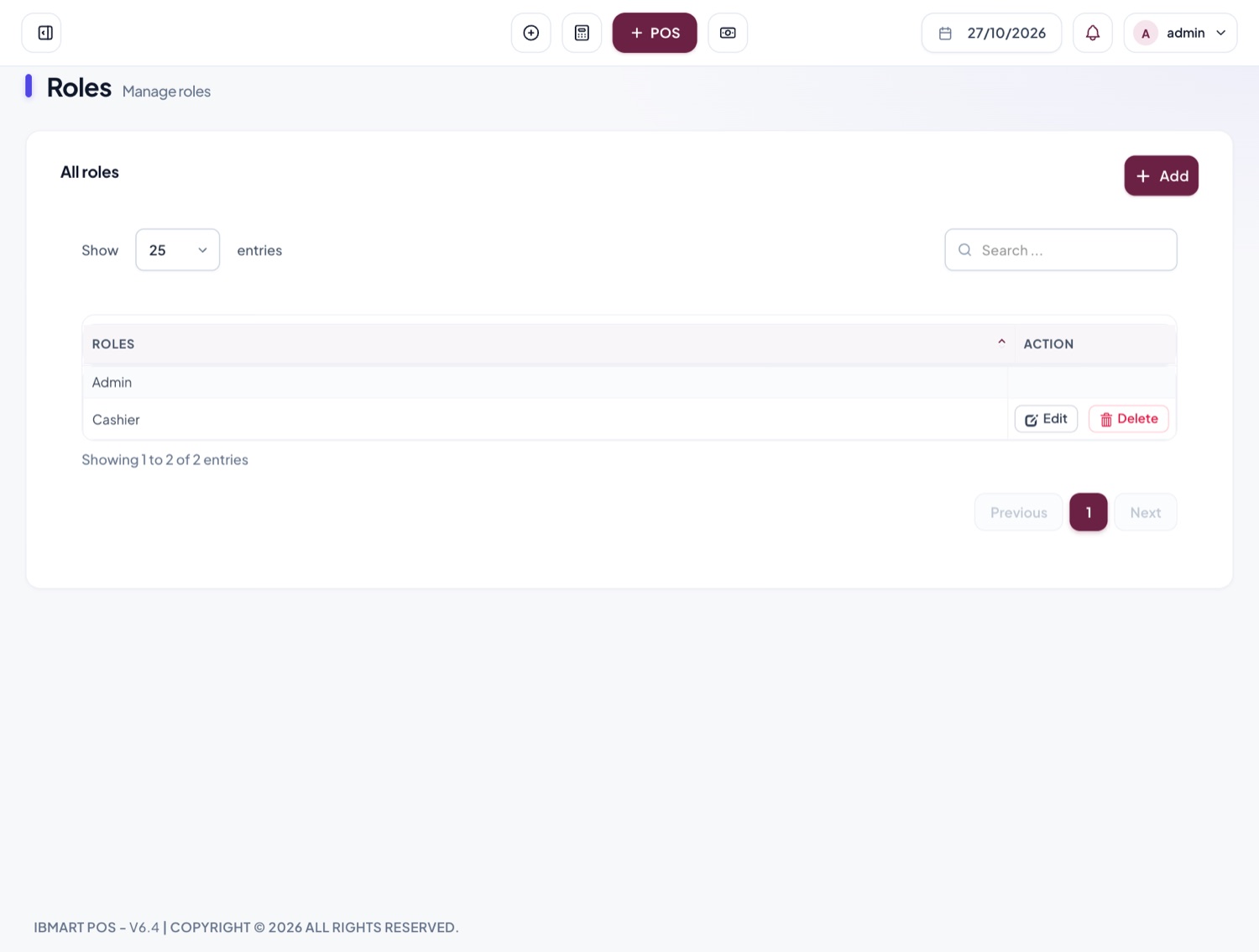
- Roles such as Admin and Cashier
- Choose exactly what each role can see and do
- A cash register for each cashier, closed every shift
Everything included
Fast checkout
Scan barcodes or search by name and SKU. Take cash, card or several payments on one bill, and print the receipt.
Drafts, quotations and suspended bills
Park a bill while a customer keeps shopping, save a quotation, and pick either up later.
Stock across locations
Every store and warehouse keeps its own stock. Move goods between them with stock transfers.
Low-stock alerts
Set an alert level per product and see what needs reordering before it runs out.
Purchases and suppliers
Record purchases, track what you owe each supplier, and receive stock straight into the right location.
Customers and credit
Keep customer details, sell on credit, collect dues, and group customers for special prices.
Price lists
Keep separate wholesale and retail prices and switch between them at the counter.
Reports
Profit and loss, stock value, tax, best sellers, register and expense reports, ready to print or export.
Staff roles
Give each person only the access they need, and close each cash register at the end of the shift.
Learn the basics
Short guides that take you from sign-up to your first sale.
Questions
Something else? Ask us.
Do I need to install anything?
No. Tadbirix runs in the web browser on any computer or tablet. Sign in and start selling.
Can I use my barcode scanner and receipt printer?
Yes. Scanners that type into the computer work straight away, and receipts print through your normal printer setup.
I have hundreds of products. Do I type them all in?
No. Fill in the spreadsheet template and import them all at once, then enter the stock you already have.
Is my data kept separate from other businesses?
Yes. Every business has its own account, with its own staff, products and sales.
What happens when the new apps launch?
They will use the same account and data you already have, so you can switch them on without starting again.